How to add an orange date stamp to your photos
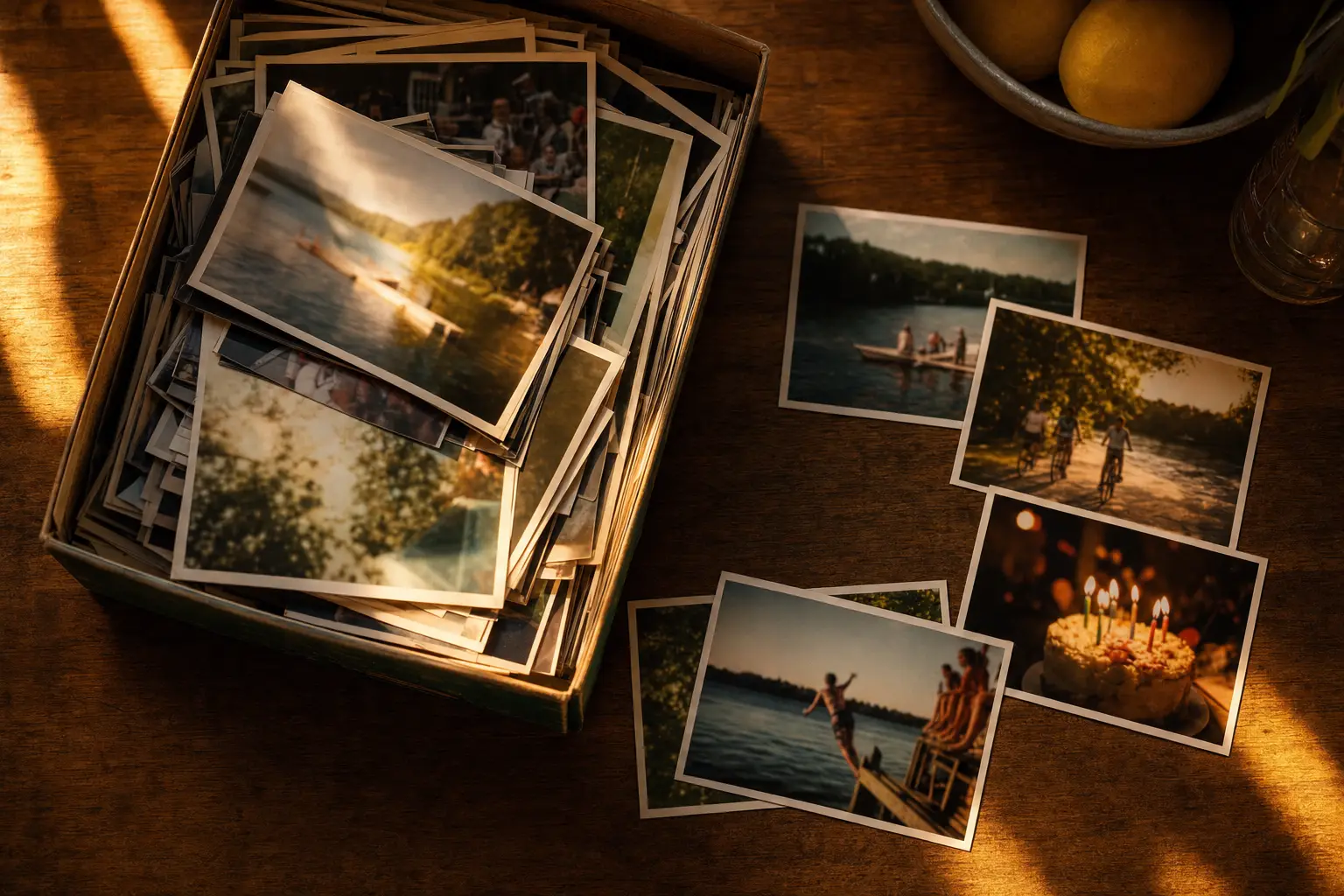
The simplest way is to shoot with a camera app that prints the date as you take the picture. In Last Summer, the orange date stamp is on by default and sits in the bottom-right corner in the dot-matrix style of 90s film cameras. It reads 1999 unless you choose another year, so a photo taken tonight can look like it came from a drawer of old prints.
- Open camera settings. In Last Summer, open Settings and find Timestamp under Camera Settings.
- Choose a mode. On (Auto) stamps the day and month with the year 1999. Pick a specific year from 1980 to 2030, or choose Off.
- Shoot. The date prints into the corner of each photo as it is saved. The 2004 roll uses 2004 on its own when the stamp is on Auto.
Where the orange date stamp came from
In the 1990s, many point-and-shoot film cameras had a "quartz date" back. A tiny light inside the camera exposed the date onto the film at the moment you took the picture, so the numbers sit inside the photo itself. The light was usually orange or red, which is why the digits glow slightly and have soft edges.
Formats varied by camera. Some printed '99 6 21, others 21/6/1999 or 6 21 '99. Early digital cameras copied the same orange style, which is why the stamp now signals "old photo" whether the source was film or digital.
Setting a custom year on the date stamp
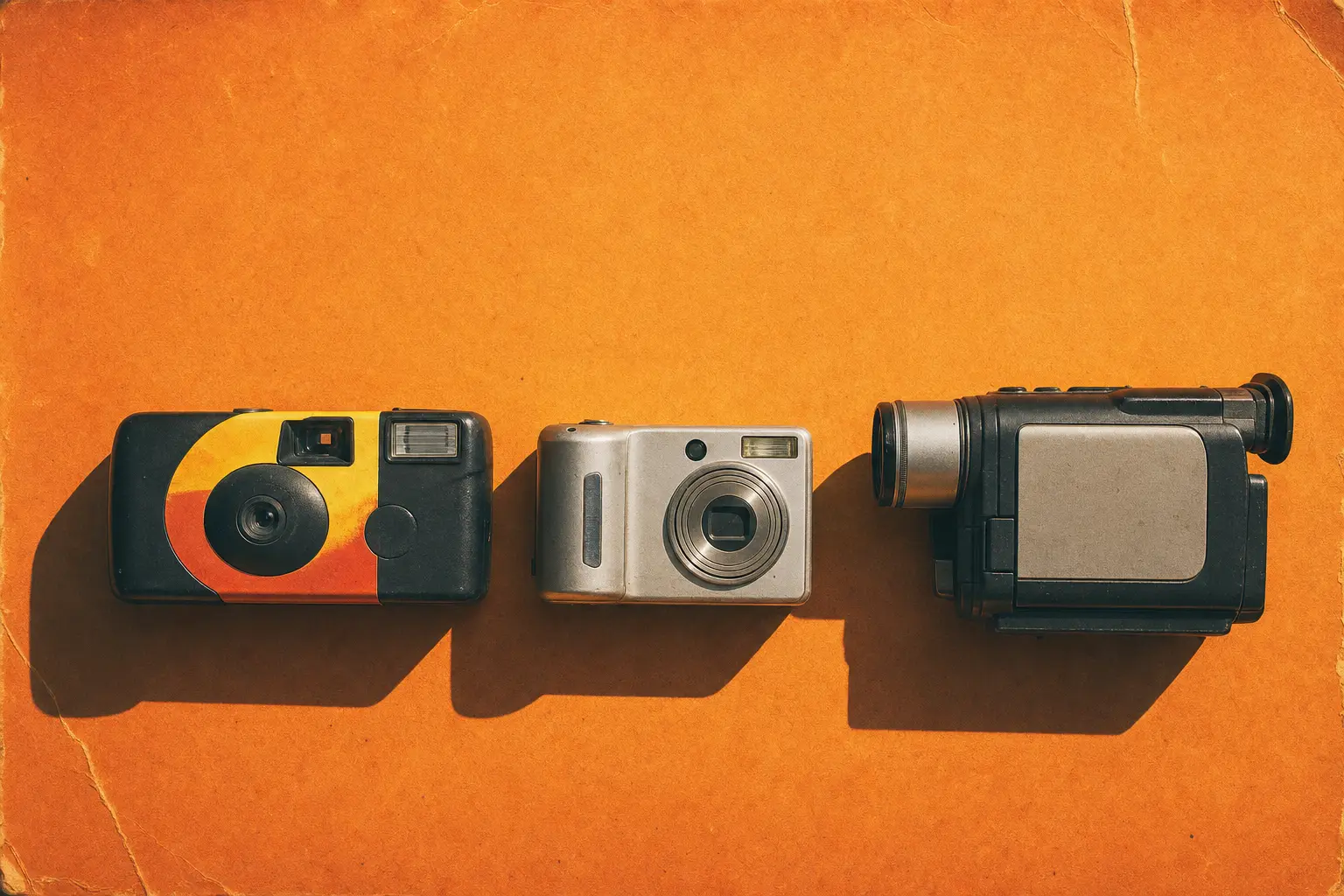
Last Summer keeps today's day and month and swaps in the year you choose. The default is 1999. If you want it to match the look of the roll, set 2004 for the flip-phone style or 1996 for a Home Video camcorder shot. You can pick any year from 1980 to 2030.
Every roll supports the stamp, and it uses a dot-matrix typeface close to the one on real cameras. That detail matters more than people expect. A date typed in a modern font is the quickest way to make an edited photo look fake.
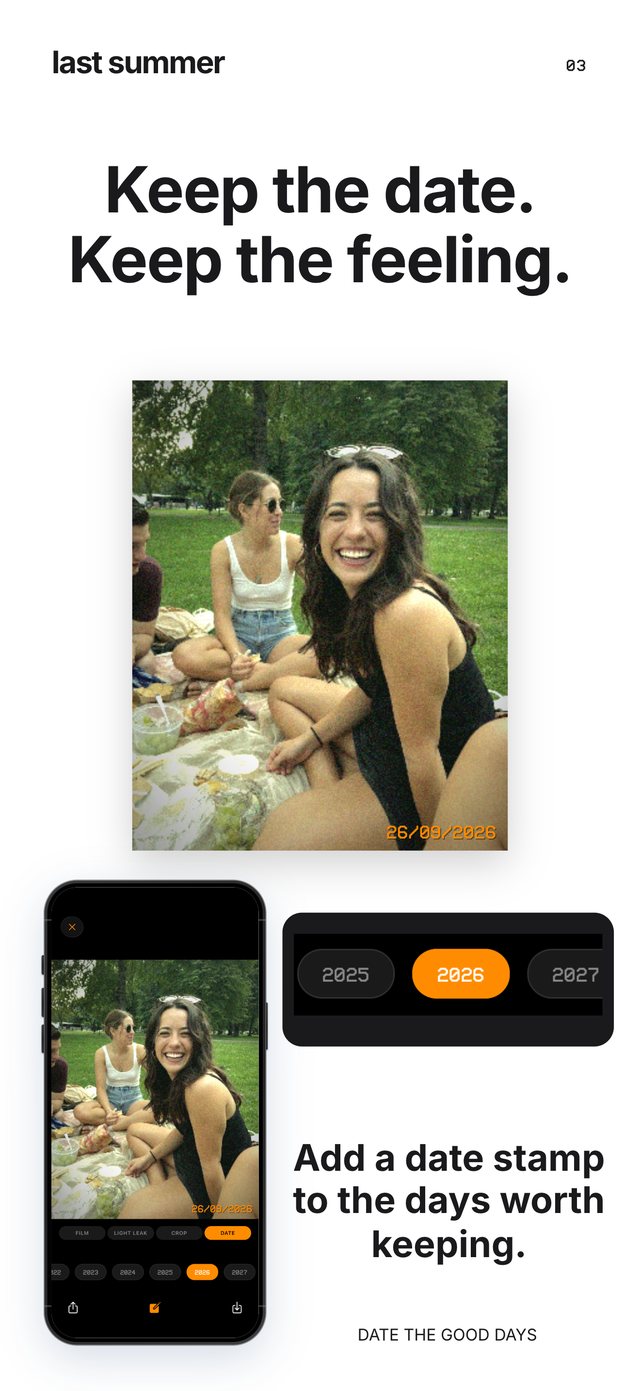
Adding a date stamp to photos you already took
The iPhone Photos app has no date stamp option. Markup lets you type text, but it looks flat and sits on top of the image. With Last Summer Pro, you can import a photo from your library, choose a roll and turn on the stamp, and the date is developed into the picture along with the grain and color.
Tips for a date stamp that looks real
Keep it in the bottom-right corner, where almost every camera put it. Orange reads best over darker areas, so frame the shot with some shadow or ground in that corner. Match the year to the look: a 1987 stamp on a 2004 camera-phone photo breaks the illusion for anyone who notices.
Finally, do not stamp everything. On a real roll, people often forgot to switch the date on or off, so a mix of stamped and unstamped photos in one album looks more authentic than a perfect set.
Questions people ask
Can I turn the date stamp off?
Yes. In Last Summer's camera settings, set Timestamp to Off. You can switch it back on at any time, and it applies to new photos only.
Why is the old camera date stamp orange?
Film cameras exposed the date with a small orange or red light inside the camera back, so the digits came out that color with a soft glow around them.