How to make iPhone photos look like a 2000s digital camera
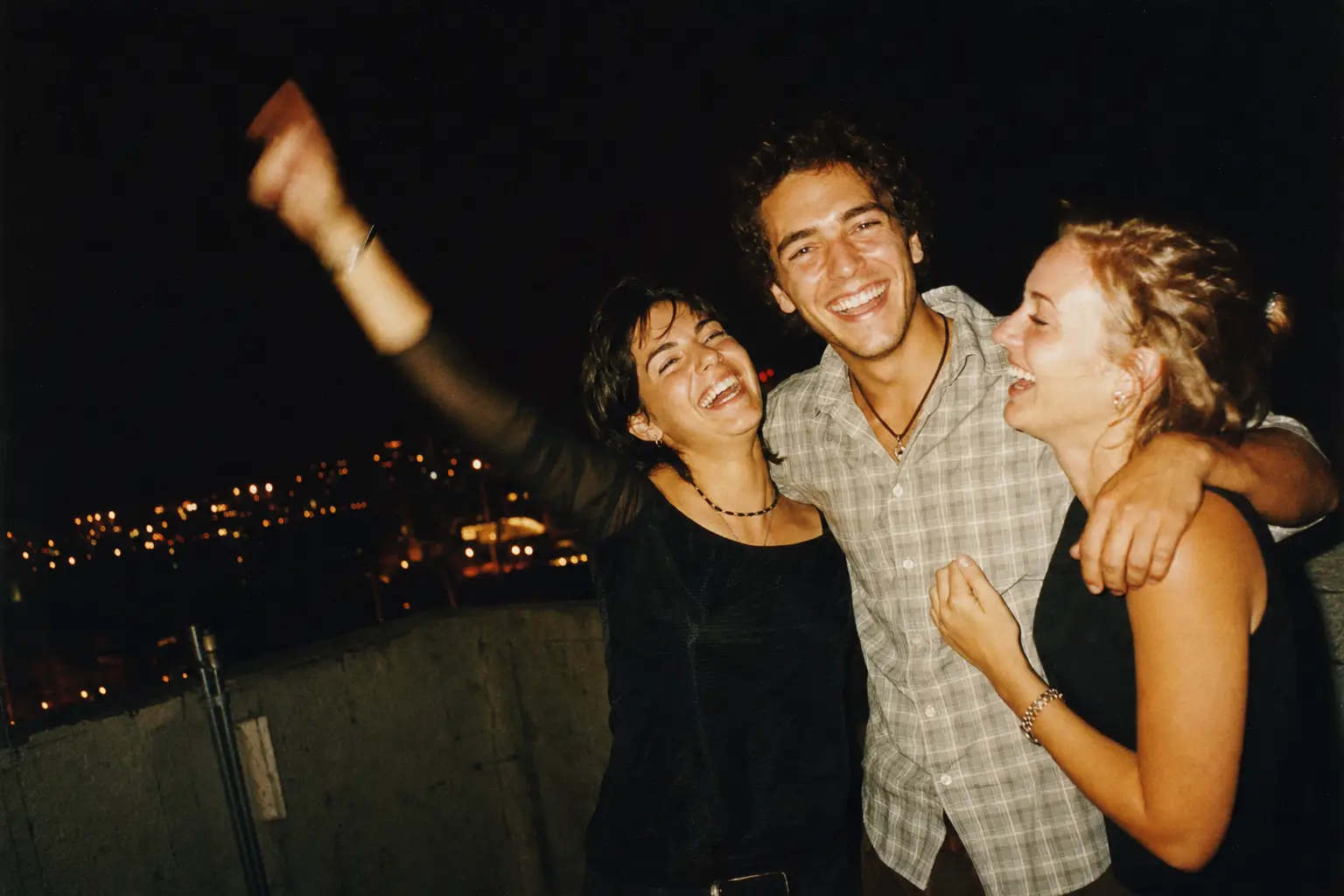
A 2000s digicam photo has hard direct flash, cool or slightly off white balance, low resolution with some JPEG blockiness, and often an orange date in the corner. To get that on an iPhone, shoot with flash through a camera app that copies an early digital sensor, such as the Early Digital or 2004 rolls in Last Summer. The iPhone's own camera works hard to remove every one of those traits.
- Choose your camera era. In Last Summer, pick Early Digital for a silver compact from around 2005, or 2004 for the blurrier look of an early camera phone.
- Force the flash. Tap the lightning bolt so the flash fires every time. Digicam photos are defined by that small, harsh light.
- Shoot indoors or at night. Early sensors struggled in low light, and the mix of flash-lit faces and noisy dark backgrounds is the whole look.
- Set the date stamp year. In settings, set the timestamp to 2004 or 2006. The 2004 roll stamps 2004 on its own.
Why the Y2K digicam look is back
Old point-and-shoots have become a Gen Z accessory. Canon PowerShots and Sony Cyber-shots sell for several times their thrift-store price, and Google searches for "digicam" are at a ten-year high. The appeal is simple: the photos look like a real night out, with none of the polish a phone adds.
The catch is that an old camera means dead batteries, 4 GB memory cards and transferring files before you can post anything. That gap is why phone apps that copy the look have taken off.
What a 2000s digital camera did to photos
Compact cameras from 2002 to 2008 used small CCD sensors, usually 3 to 8 megapixels. In low light they produced color noise, a speckle of red and green in the shadows. Their automatic white balance often guessed wrong indoors, giving photos a cool blue or a green cast.
The built-in flash was tiny and close to the lens, so it blew out foreheads and dropped the background into black. Files were saved as heavily compressed JPEGs, which adds faint blocky edges around high-contrast shapes. Many cameras could also print the date into the image, in the same orange digits film cameras used.
Early Digital vs. 2004: which roll to use
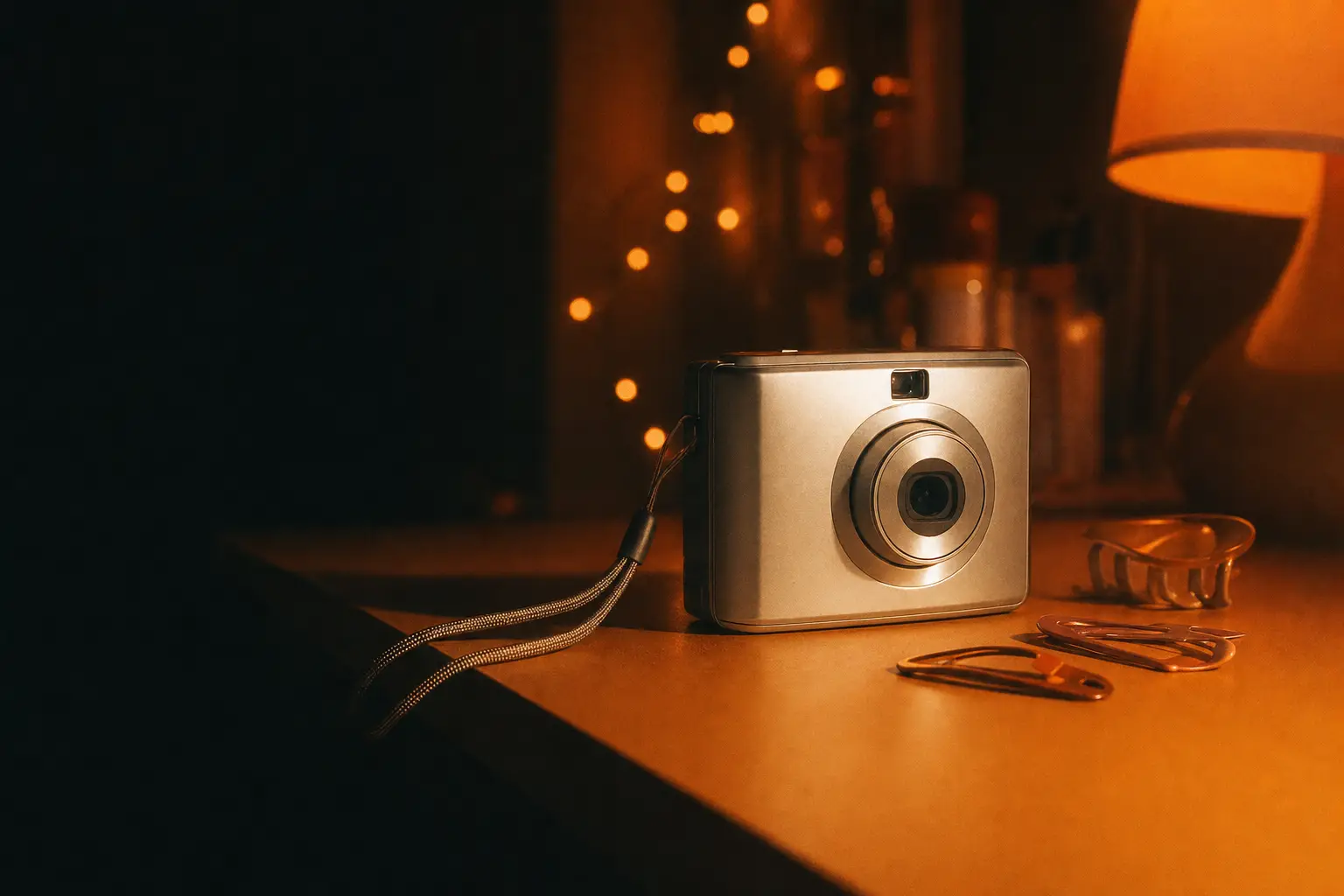
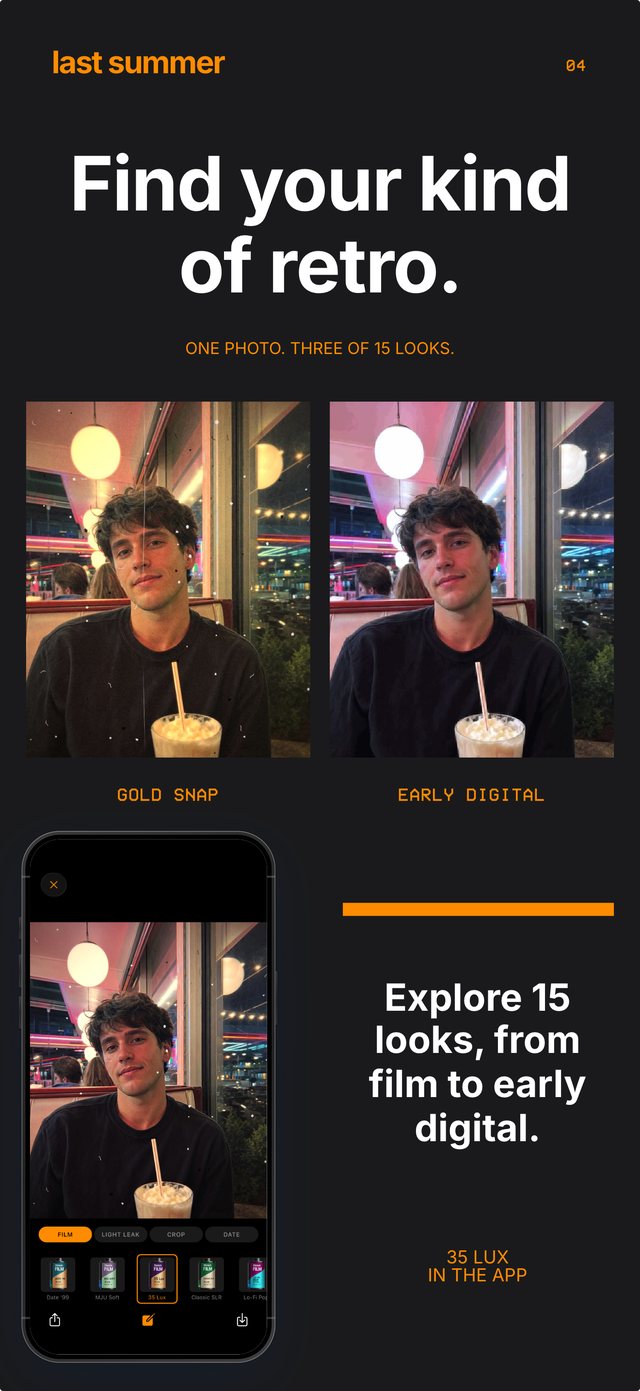
Early Digital is the silver compact look, modeled on a Casio Exilim: cool tones, crisp flash and a little compression. It suits party photos, mirror selfies and anything you would have uploaded to a MySpace album.
2004 goes a step further back to the first camera phones: softer detail, more artifacting and a washed palette. It reads like a photo sent from a flip phone. For a warmer, film-era flash photo, try Date '99 instead, which pairs soft contrast with the orange timestamp.
Getting the digicam look without buying a digicam
A working 2000s compact now costs anywhere from $80 to $400 on resale sites, and you still need a charger, a card reader and patience. An app will not give you the object, but it produces the photo in one step and saves it where you can post it.
If you do own an old camera, the two work well together. Use the real one when you remember to bring it, and the app for everything else, so a whole night's photos share the same look.
Questions people ask
What is a digicam?
Digicam is short for digital camera, and today it usually means a compact point-and-shoot from roughly 2000 to 2010, such as a Canon PowerShot or Sony Cyber-shot.
Is the digicam look the same as the film look?
They are different. Film looks soft, warm and grainy. Digicam photos are cooler, with harsher flash, digital noise instead of grain, and sharper edges from compression.