How to get the flash photo aesthetic on iPhone
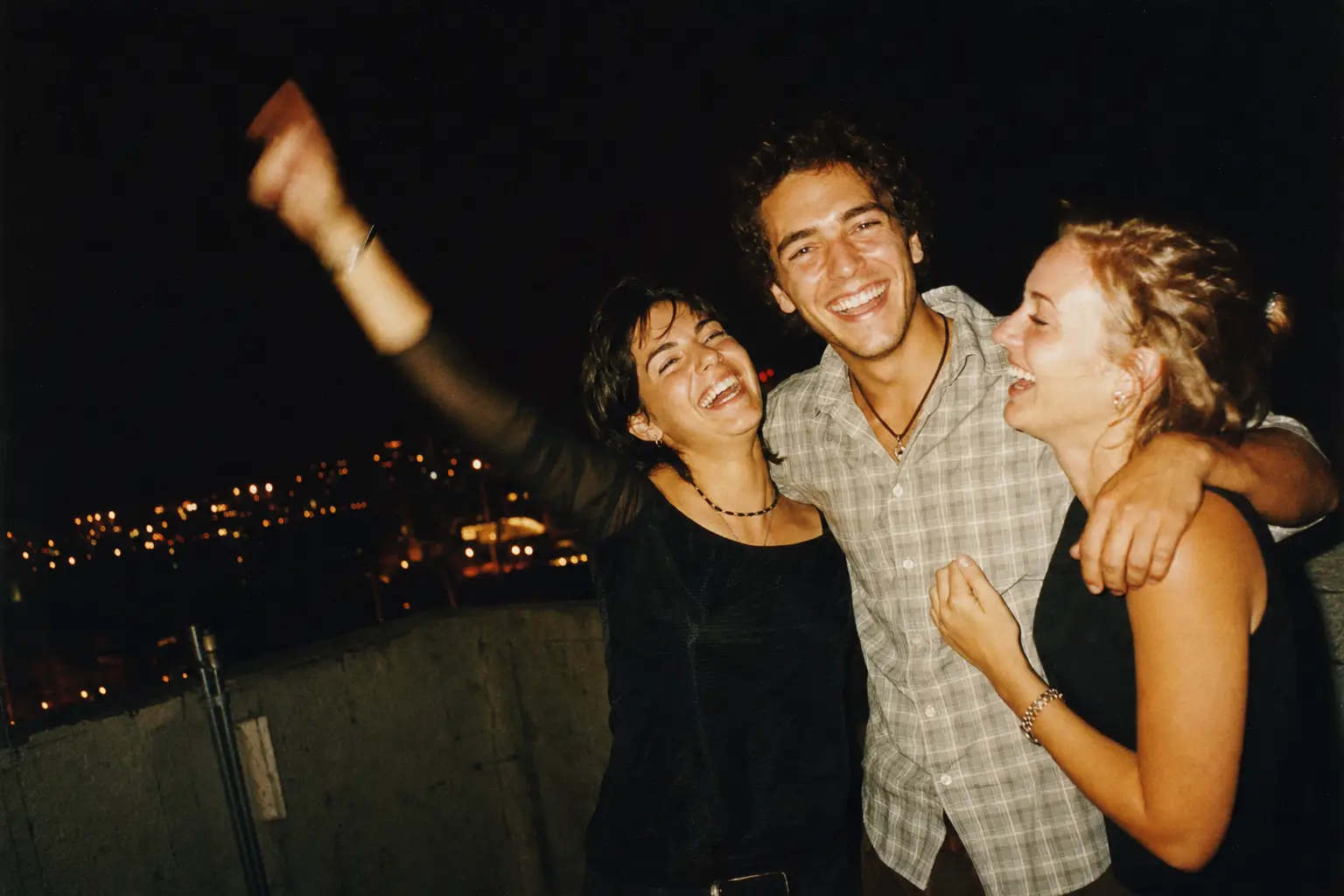
Shoot through a camera app that lets you keep the flash on, then get close to someone in a dim room or outside at night. The look comes from a small, harsh light right next to the lens, and the iPhone camera avoids it by switching to Night mode. Last Summer fires the flash on every shot and adds the grain and color that make the result read as a party photo from 2004.
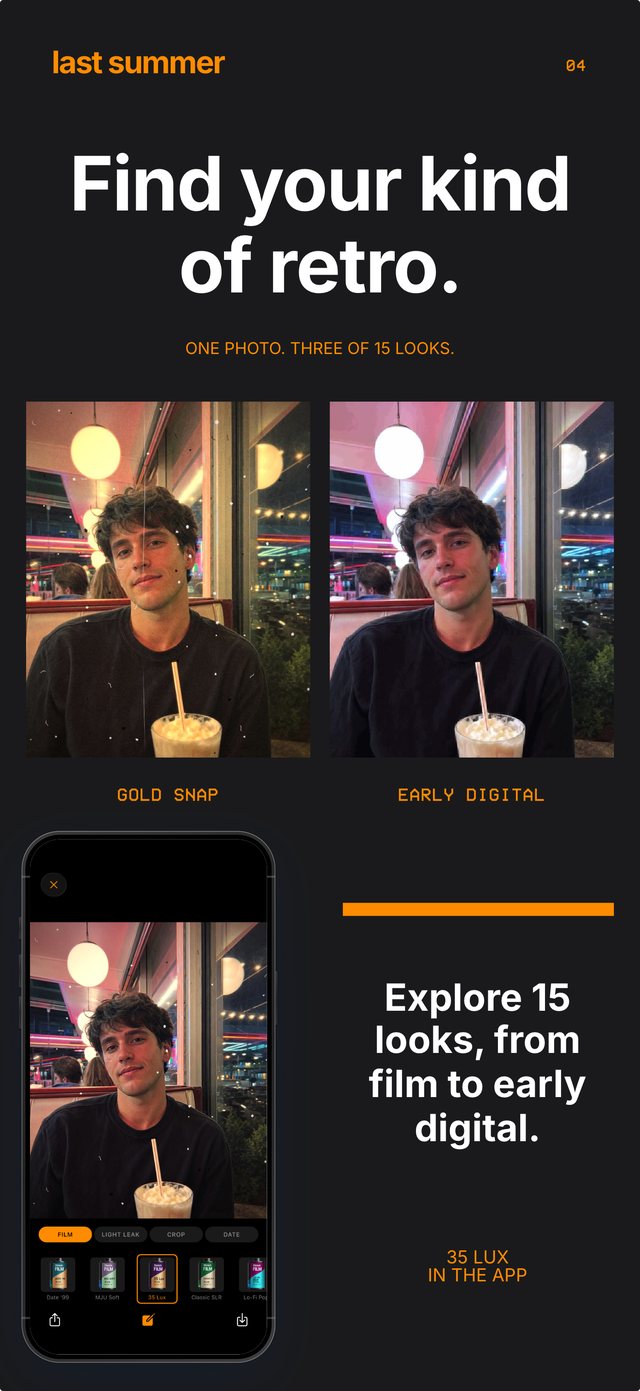
- Pick a flash-friendly roll. Gold Snap for a warm disposable flash, or Early Digital for a cool digicam flash.
- Turn the flash on. Tap the lightning bolt above the shutter in Last Summer. It stays on until you turn it off.
- Find a dark background. Night streets, a dim living room or a club. The darker the background, the more your subject stands out.
- Shoot from one to three meters. Closer than that washes faces out, and farther than that the flash cannot reach.
Why the iPhone camera fights the flash look
Apple's camera is designed to make low-light photos look like daylight. In a dark room it prefers Night mode, which holds the shutter open for a second or more and blends many frames. The flash rarely fires on Auto, and when it does, Smart HDR evens out the bright faces and dark background that make a flash photo striking.
The result is technically better and far less fun. The 2000s flash look is about contrast: a bright, slightly overexposed subject, hard shadows and a background that disappears.
How to take flash photos that look like 2004
Start with the flash forced on and your subject close. Shoot straight on at eye level, or from a little above, the way someone holding a camera at a party would. Red-eye, a squint or a half-blink all count in your favor.
Then let the camera do the rest. A roll that adds grain, a color cast and the orange date stamp moves the photo out of 2026 in a way the flash alone cannot. In Last Summer you see the finished look before you press the shutter, so there is nothing to fix later.
Best Last Summer rolls for flash photos
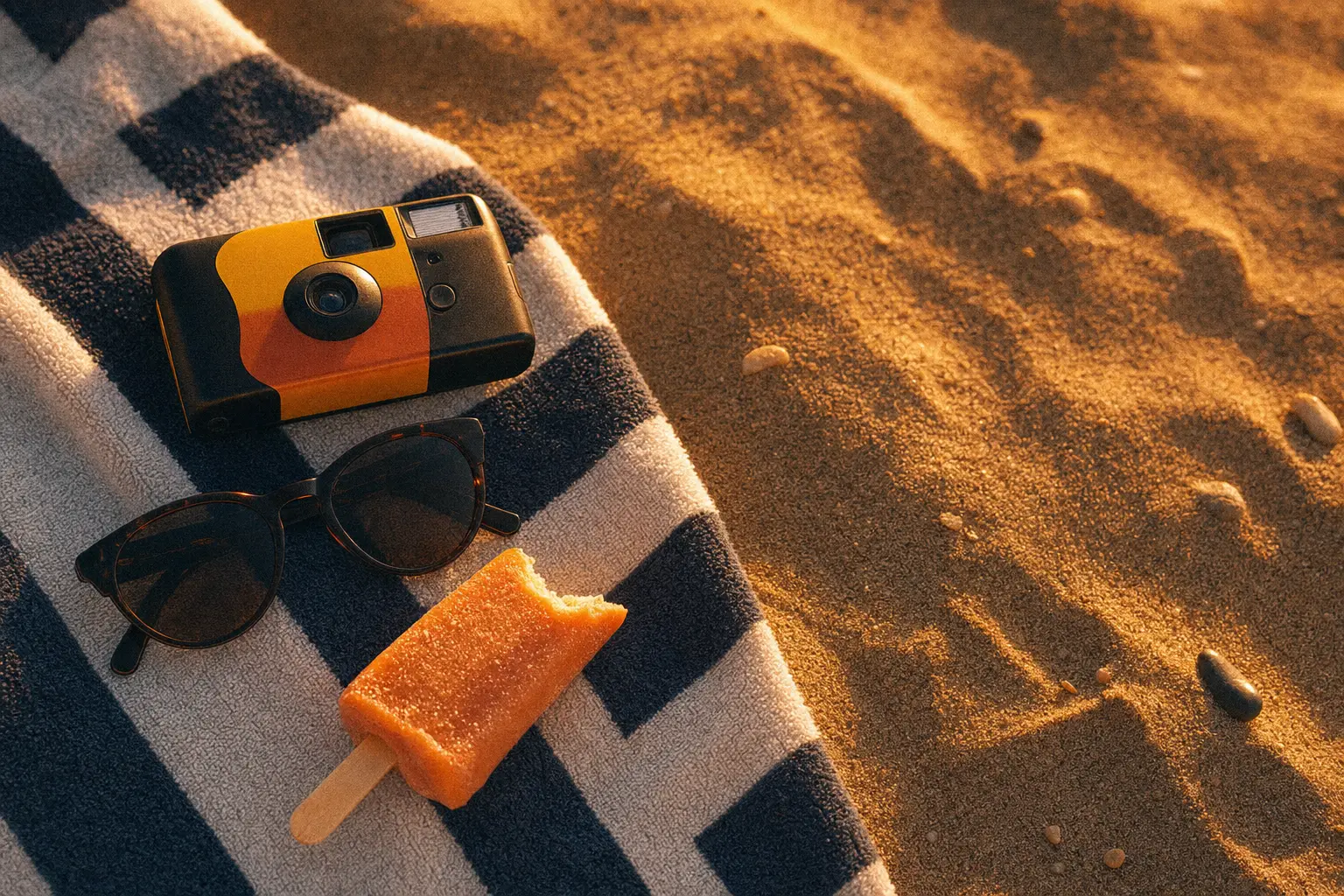
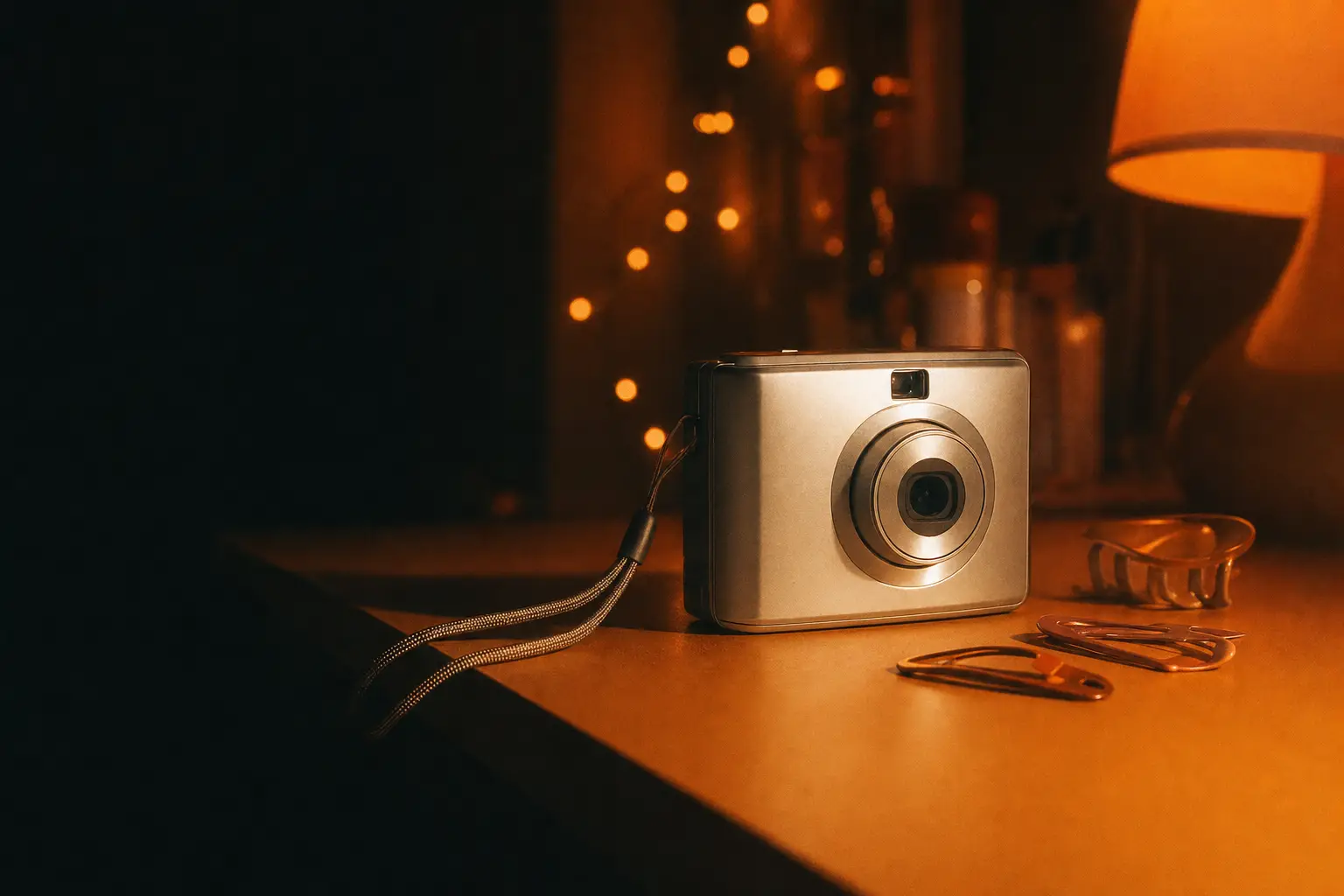
Gold Snap gives the classic disposable flash pop with warm skin tones. Early Digital is cooler and crisper, like a silver compact camera. Date '99 softens contrast and adds the orange timestamp, and 2004 gives flash photos the crunchy texture of an early camera phone.
For something moodier, Red Darkroom floods the frame with deep red, which looks striking with flash against a black background.
Common flash photo mistakes
Standing too far away is the most common one. A phone flash only lights a few meters, so a subject across the room ends up dark and noisy. Mirrors and windows bounce the flash straight back as a white blob unless you shoot at an angle.
Also warn people before a burst of flash photos at a dinner table. The look is great, and a surprise flash in the eyes all night is not.
Questions people ask
Why do flash photos from old cameras look better?
Old cameras had no night mode or HDR, so the flash did all the lighting. That creates bright subjects, hard shadows and dark backgrounds, which modern phones deliberately smooth away.
How do I keep the flash on in Last Summer?
Tap the lightning bolt in the row of buttons above the shutter. It stays on for every shot until you tap it again.