How to get the disposable camera look on iPhone
Force the flash on, get close to your subject, and leave the grain and light leaks alone. That is most of the disposable look. You can fake it afterward in an editor, but it is quicker to shoot through a camera app that builds those flaws in, such as the Gold Snap roll in Last Summer.
- Pick a disposable roll. In Last Summer, swipe the roll names under the viewfinder to Gold Snap. It is one of the three free rolls.
- Turn the flash on. Tap the lightning bolt above the shutter. Disposables fired the flash on almost every frame, even outdoors, and that is where the bright faces and hard shadows come from.
- Get close. Stand one to two meters from your subject. A fixed-focus plastic lens was sharpest around there, and the little flash did not reach much farther.
- Take one shot and move on. Grain and light leaks change from frame to frame, so a second attempt will not look like the first one anyway.
What makes disposable camera photos look like that
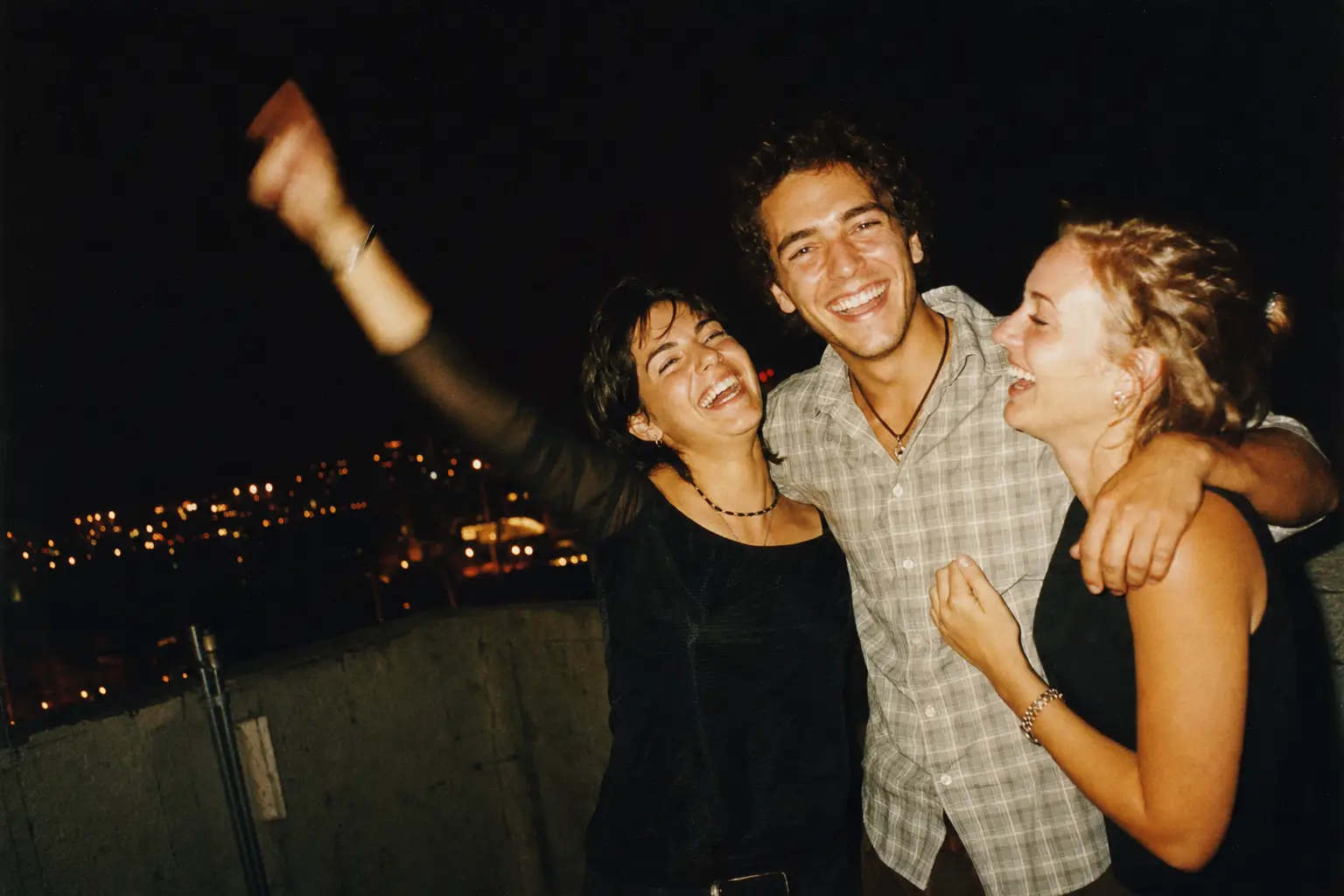
A disposable camera is a plastic lens, a roll of ISO 400 or 800 film and a small flash in a cardboard shell. Every part of that leaves a mark. The lens goes soft toward the corners. Fast film brings visible grain, especially in shadows. The flash sits a few centimeters from the lens, so it flattens faces and throws a dark shadow behind people.
Then the lab adds its own signature. Drugstore prints from the late 90s leaned warm and a little yellow, and cheap cameras sometimes let light in around the film door, which shows up as an orange or red glow across one edge. None of this was intended, and that is the appeal: you never knew exactly what you would get back.
Getting the disposable look without editing
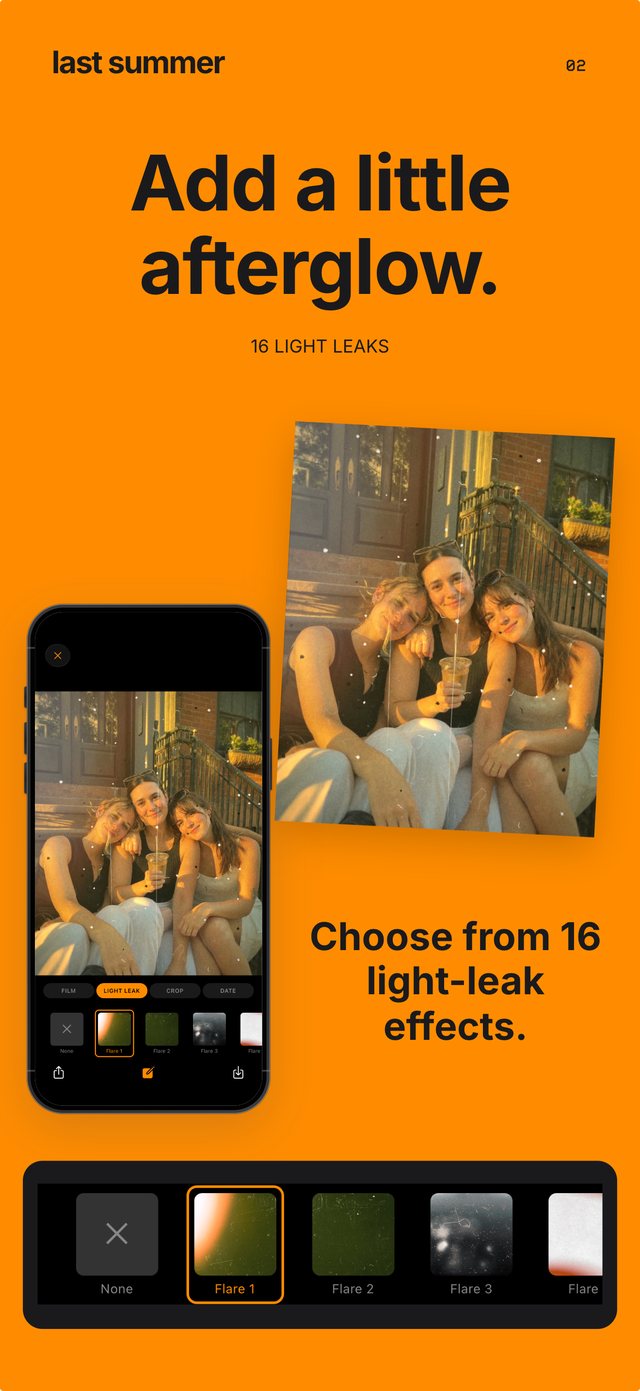
Presets can copy the color, but they struggle with the parts that should be random. A grain overlay looks identical on every photo, and a light leak you drag on by hand always lands where you put it. A disposable never behaved like that.
Last Summer's Gold Snap roll is modeled on a Kodak disposable: warm tones, strong grain and a flash that pops the subject off the background. Grain shifts on every frame, and light leaks drift across some shots and skip others. You see the look live in the viewfinder, press the shutter, and the finished photo is saved to your library. There is nothing to adjust afterward.
Disposable camera app tips for better shots
Shoot where disposables did their best work: parties, dinners, car rides, the beach at dusk. Flash photos in a dim room give the strongest effect, because the background falls into shadow while faces stay bright.
Avoid shooting straight into a bright window, which turns your subject into a silhouette. Leave the orange date stamp on, since plenty of 90s cameras printed one. For group photos, hold the phone at arm's length and accept a slightly crooked frame. Straightening every horizon is exactly what makes a photo look edited.
A disposable camera app vs. a real disposable
A real disposable still has things an app cannot give you: a physical camera to pass around, negatives, and the wait before you see anything. It also costs around $15 to buy and about the same again to develop, for 27 shots.
An app gives you unlimited frames, instant results and a look you can switch mid-evening, from Gold Snap to the camcorder softness of Home Video. If you want the photos rather than the ritual, the app is the cheaper way to get them.
Questions people ask
Why do disposable camera photos look so good?
They flatter people in ways a phone camera does not: the flash smooths skin, grain hides detail, and warm color reads as nostalgic. They also look unplanned, since nobody could check the photo and retake it.
Should I use flash in daylight for the disposable look?
Yes, for close shots of people. Daylight flash fills in shadows under eyes and hats, which is a big part of why beach and backyard disposable photos look the way they do.